Windows Printer Driver Changes: What to Check
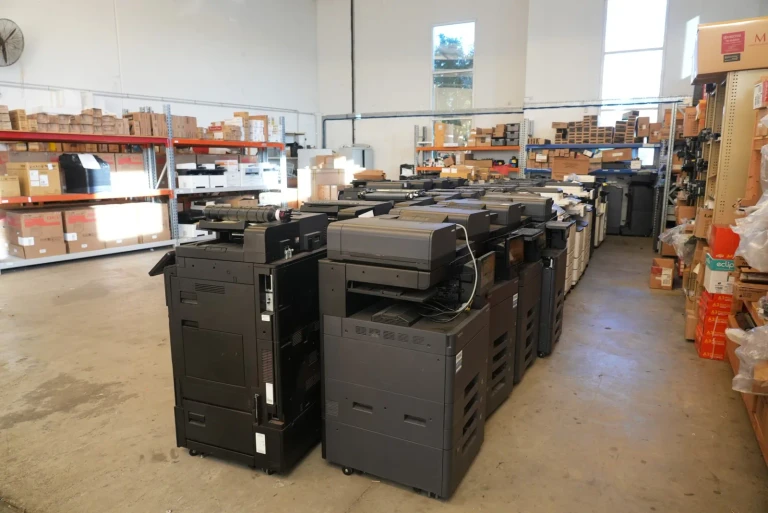
An old printer can quietly stop getting driver updates while it still looks like it works fine.
Your printer keeps working, but an older model can lose its updates. Check yours in three questions.
Toner, parts and service are included in a lease, so you only buy paper.
Before you enquire
Do I have to commit to a long contract?
You choose the term at the start, anywhere from 36 to 60 months.
There is no day, week or month by month arrangement.
What happens on the final month?
At the end you either upgrade, stay on the equipment already in place, or hand it back.
We contact you before the date so it is never missed, and the terms of whichever path you pick are confirmed in writing.
What if my printing needs change?
You can move up a device class or swap models during the term, once the change is quoted and agreed.
New equipment arrives within 10 business days of a confirmed order, installation included.
How much printing makes a lease worthwhile?
There is no minimum size.
The useful test is volume.
Above about 500 pages a month, one monthly set plan is normally simpler.
The plan covers maintenance, genuine toner and remote diagnostics, instead of buying cartridges and paying for callouts.
We are already leasing a printer. Can we still get a quote?
Yes, and it is a common position to be in.
We quote now and set the installation against your current lease end date, so there is no overlap and no outage.
Check your existing notice window early, because those dates are easy to miss.
Enquired on Monday and had a printer installed by Friday. Fast, easy, and exactly what we needed.
Windows driver change: get your printer lease quote
From 1 July 2026 Windows uses its own built in printer driver first.
From 1 July 2027 makers’ driver updates stop, except for security fixes.
A printer that works today keeps working.
Check it first if it is not Mopria certified, the shared standard the Windows driver uses.
What Microsoft has changed, and when
Microsoft announced its end of servicing plan for third party printer drivers in September 2023 and has rolled it out in stages.
Since 15 January 2026, Windows Update has stopped taking new printer drivers for Windows 11 and Windows Server 2025 onwards.
From 1 July 2026, Windows ranks its own built in IPP class driver ahead of the maker’s driver when it sets up a printer.
From 1 July 2027, the only third party printer driver updates Microsoft allows are security fixes.
Where your office sits on Microsoft’s timeline
Three of the four steps have passed. The last one decides whether an older printer keeps getting driver updates.
September 2023
Plan announced
Microsoft sets out the end of servicing plan for printer makers’ own drivers.
15 January 2026
No new drivers via Windows Update
For Windows 11 and Windows Server 2025 onwards.
1 July 2026
Windows driver ranked first
Setup now prefers the built in IPP class driver over the maker’s driver.
Offices are here now, before the July 2027 step
1 July 2027
Maker driver updates end
Only security fixes continue. Existing drivers can still be installed.
Source: Microsoft Learn, end of servicing plan for third party printer drivers on Windows.
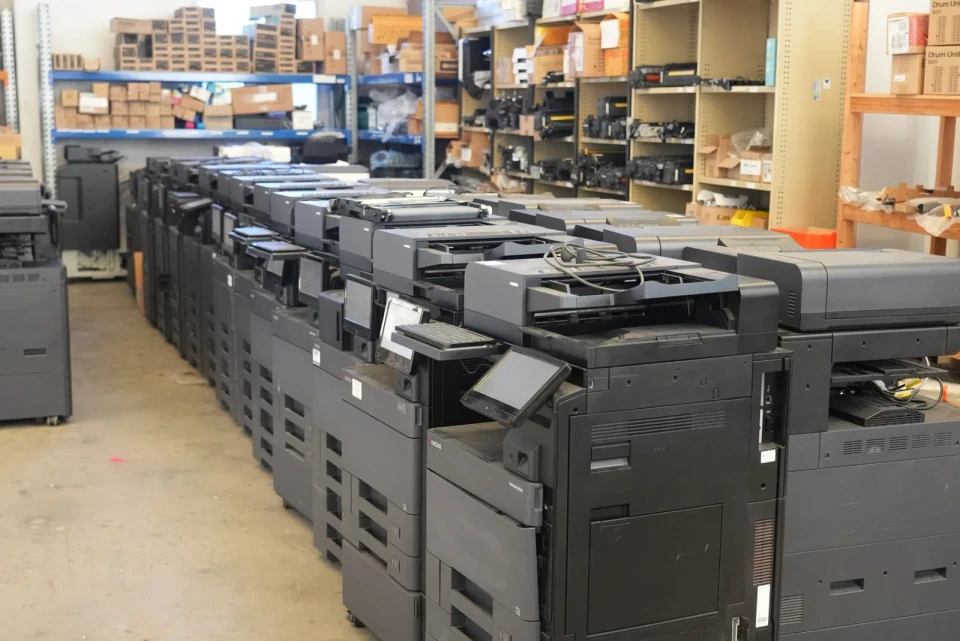
What it means for the printer you have now
Microsoft says existing printer drivers can still be installed after the change, so a printer that works today keeps working.
The risk is slower: a model that relies on its maker’s driver stops getting driver updates, other than security fixes, from 1 July 2027.
Printers that are not Mopria certified sit outside the new universal driver path, so they are the ones to check first.
Working through this now? We can map the timeline with you.
How to check your printer in five minutes
Find the exact model number on the front panel or the asset sticker.
Search for that model on the Mopria Alliance certified product list.
Note the year the model was released and when your current lease or warranty ends.
Ask your IT person whether any staff rely on special driver features, such as stapling, booklet making or PIN release.
PIN release holds a job until its owner keys in a code at the printer.
When a replacement makes sense
If your printer is not Mopria certified and your lease ends before mid 2027, plan the replacement into the renewal.
That avoids paying for a separate fix.
If your printer is certified and in good health, there is usually nothing to do except keep Windows up to date.
When you compare quotes, ask the provider to confirm in writing that the model quoted is Mopria certified.
A lease spreads the cost of a replacement over a set monthly payment, with toner, parts and service included.
The change does not become a large one off purchase.
What happens if you wait
- The 1 July 2026 driver ranking change has already happened, so new Windows setups now pick the Windows driver first.
- Maker driver updates stop on 1 July 2027, except for security fixes.That leaves a short window to plan.
- Planning the change into a lease renewal avoids a rushed replacement when a driver problem appears mid term.
Is your printer ready? Three questions
Answer from what you know today. Nothing is saved or sent.
Your answer appears here once all three questions are answered.
Interactive · Plan your changeover
Plan back from your date
Pick your date and we will show how much runway you have to get the right printer in place without a last minute rush.
- 1
Today
You start here.
- 2
Request a quote
The quote form takes under 2 minutes.
- 3
Choose & sign
Pick the device that fits and sign the lease.
- 4
Delivery & install
Installation scheduled to land before your date.
Ready to plan your Mopria certified printer lease?
Request a tailored quote in under 2 minutes.
Request your Mopria certified printer lease quote
Frequently asked questions
Will my printer stop working when Windows changes its drivers?
No.
Microsoft says existing printer drivers can still be installed after the change, so a printer that works today keeps working.
What changes is that maker driver updates stop on 1 July 2027, except for security fixes.
What is a Mopria certified printer?
A Mopria certified printer meets a shared standard that lets Windows, Android and other systems print to it without the maker’s own driver.
Windows uses its IPP class driver to talk to these printers, which is the path Microsoft is moving towards.
Is the change a reason to replace a working printer?
Usually not on its own.
It becomes a reason when the printer is not Mopria certified, staff rely on driver only features, or the lease is ending anyway.
In those cases it makes sense to choose a certified model at renewal.
What does a replacement lease cost?
Entry tier devices lease from $160 a month plus GST on a 36 to 60 month term.
The set monthly payment covers the equipment, toner, parts, service labour and call outs.
You only buy paper.
Not ready for a quote yet?
Book a time for us to call you, or read the buyer's guide first.
Print security and procurement: the numbers behind a smarter print lease
Independent, sourced data on why a managed, single vendor print fleet matters and how the lease versus buy decision is treated for tax.
Each figure links to its source.
Australian businesses are small
97.4%
Of Australia's 2,814,778 actively trading businesses were small businesses with fewer than 20 employees at 30 June 2026.
Read the detailHide the detail
Small businesses are the segment a printer lease is built for.
A lease trades a large upfront purchase for a predictable monthly cost.
According to Australian Bureau of Statistics · ABS Counts of Australian Businesses, 30 June 2026 (n = 2,814,778)
Print related data loss
56%
Of organisations reported at least one print related data loss in the past year.
Read the detailHide the detail
An unmanaged printer stores and routes confidential documents.
For medical, legal, accounting and local government offices, that is a genuine exposure.
According to Quocirca Print Security Landscape 2025 · Quocirca, July 2025. International survey of 400 IT decision makers (US and Europe)
ATO instant asset write off, permanent from 1 July 2026
$20,000
If you bought equipment outright, the write off applied to eligible small businesses with an aggregated annual turnover under $10 million.
Read the detailHide the detail
The write off covered the business portion of eligible assets costing less than $20,000.
The asset had to be first used, or installed ready for use, between 1 July 2025 and 30 June 2026.
The 2025 to 2026 window has closed, and the same threshold continues from 1 July 2026, made permanent by legislation passed in August 2026.
Check your eligibility at ato.gov.au.
Genuine operating lease payments are instead deductible as a business expense each period.
General information, not tax advice.
Confirm the right structure for your situation with your accountant.
According to Australian Taxation Office · Australian Taxation Office, updated 27 August 2026